Viewing General Information
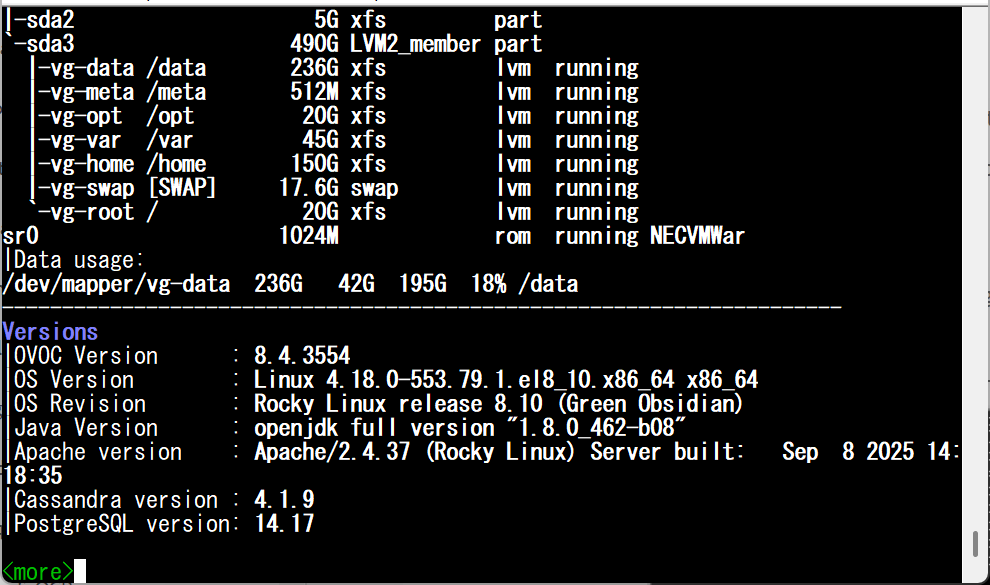
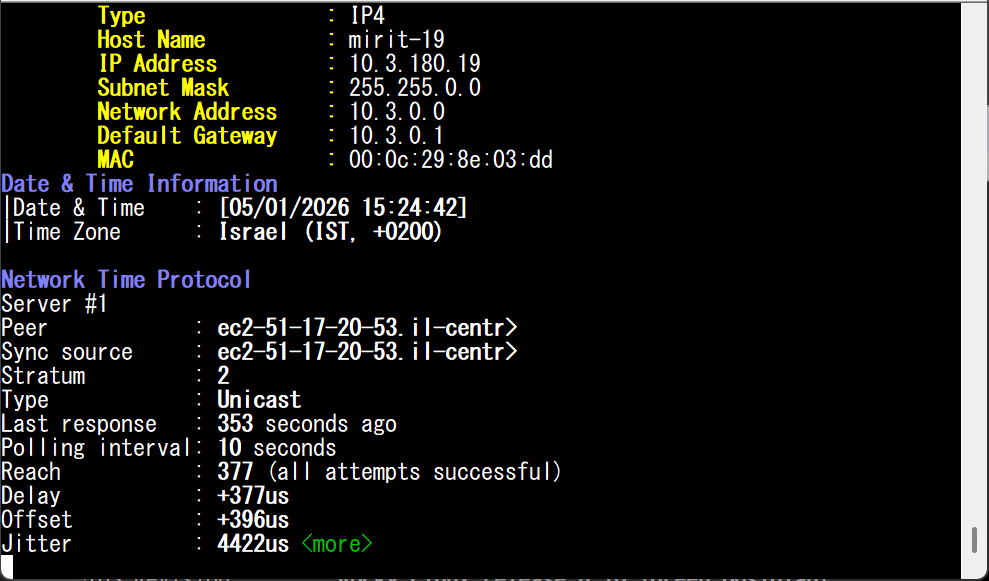
This section describes the General Information and Logs collection options. The General Information option provides detailed information about the OVOC server configuration and current status variables. The following information is provided:
|
■
|
Memory size and disk usage |
|
■
|
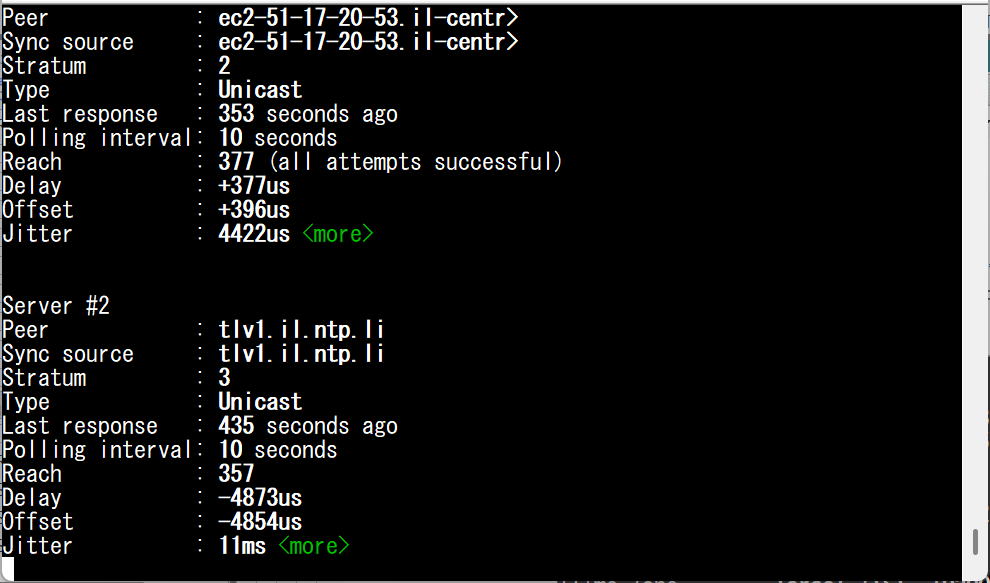
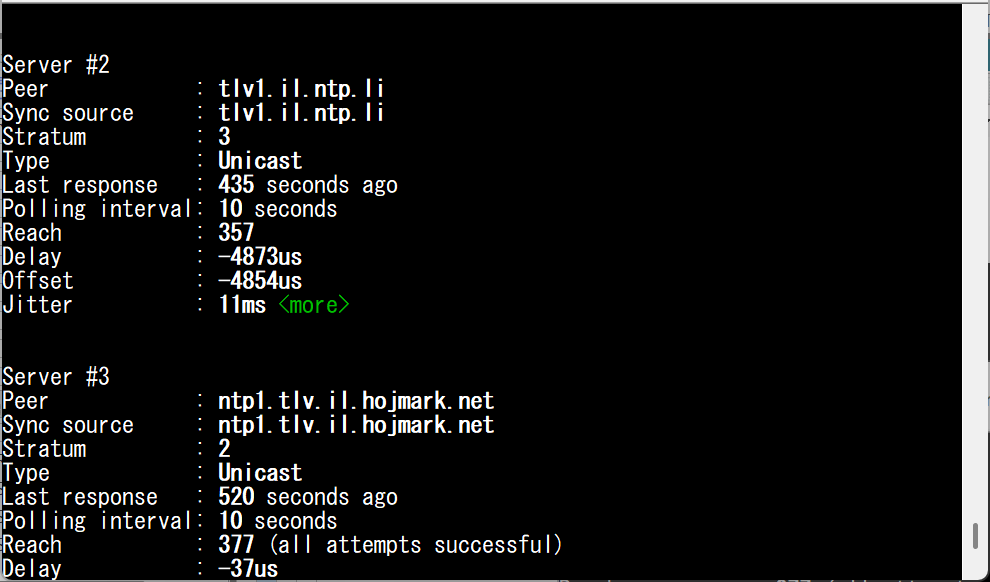
Time Zone and NTP configuration |
|
■
|
User logged in and session type |
|
➢
|
To view General Information: |
|
1.
|
From the OVOC Server Manager root menu, choose General Information, and then press Enter. |
General Information
|
2.
|
Press <more> to view more information; the following is displayed: |
General Information 1
|
3.
|
Press <more> again to view information on the second and third NTP server. |